35mm film looks, for every photo.
35mm film has a look phone cameras don't: grain you can see, colour that leans warm or cool, and highlights that glow at the edges. DisCam's ten films recreate those qualities, each with its own recipe.
Two free rolls · No account · No ads
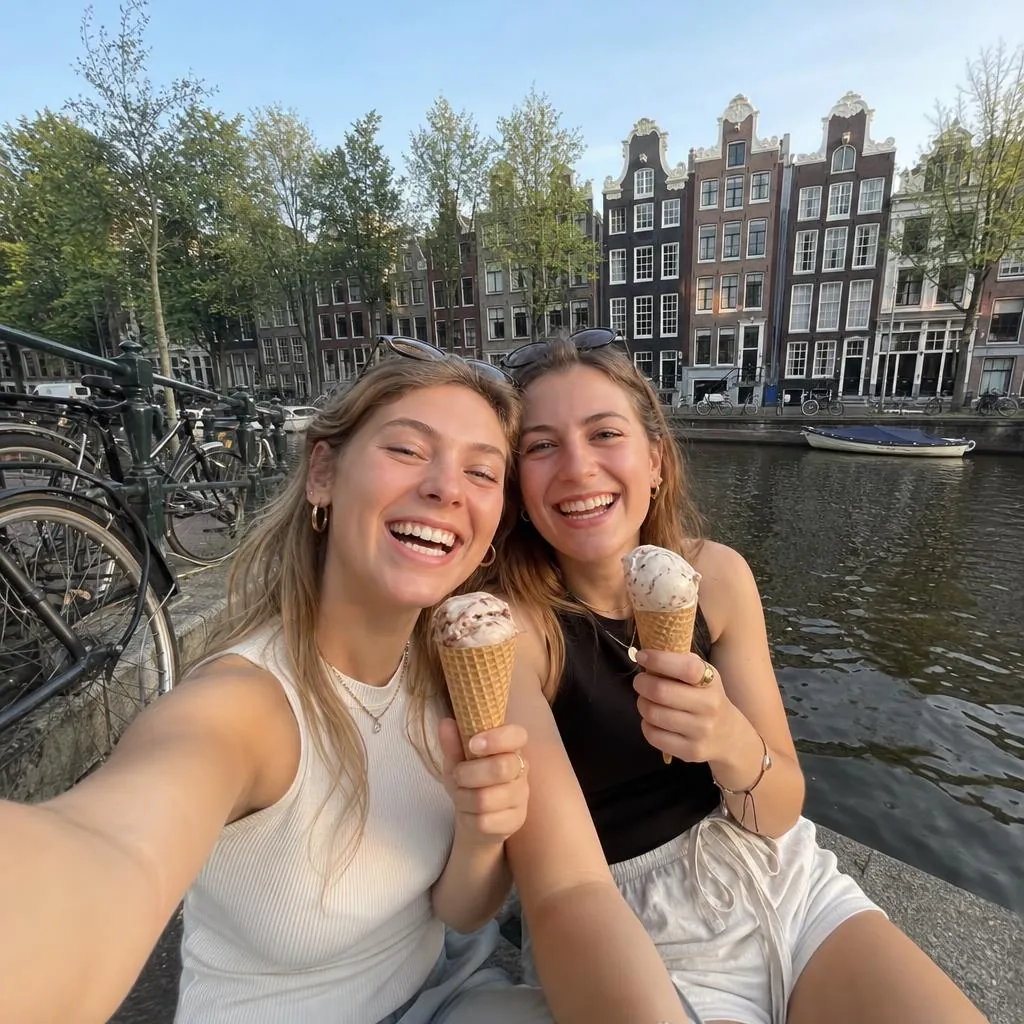
Warm 35
Chrome
Mono 400
Dusk
What 35mm film does to a photo
A phone photo is clean and evenly sharp. Film isn't, and the differences are what people mean by "the film look":
- Grain: tiny random texture, strongest in mid-tones and shadows.
- Halation: a red-orange glow where bright light spreads through the film.
- Colour shifts: shadows and highlights take on different tints, depending on the film.
- Contrast: a gentle curve that rolls off highlights instead of clipping them.
- Blacks: deep on some films, lifted and faded on others.
- Vignette and softness: darker corners and a slightly softer edge from the lens.
Pick the film for the light
Each film in DisCam sets all of those things together. A few starting points:
- Warm 35 for everyday colour that flatters skin.
- Chrome for blue sea and bright days, with crisp slide-film contrast.
- Golden and Soft for late sun and hazy mornings.
- Dusk for evenings, with cool shadows and rosy highlights.
- Mono 400 or Noir when colour is a distraction.

Original
Golden
Soft
Noir
Fine-tune it
Every film has an Intensity slider, from a hint of the look to all of it, and a Grain slider. Add a light leak for the occasional burst of colour at the edge of the frame.
Questions
- Are these real film stocks?
- No. They're DisCam's own film recipes, made to capture the qualities people like about 35mm film. None of them is a copy of a particular brand's stock.
- Can I use them on photos I've already taken?
- Yes. With DisCam Pro, import photos from your library and develop them on any of the ten films.
- How many black and white films are there?
- Two: Noir and Mono 400.
- Can I change the film after shooting?
- Yes, when Keep originals is on in Settings.
Get DisCam
Shoot on ten films from one phone.
Start with two free rolls of 5 shots each, one instant and one disposable. DisCam Pro unlocks unlimited rolls, stacks and photos. No account and no ads.