The wedding day, on one roll.
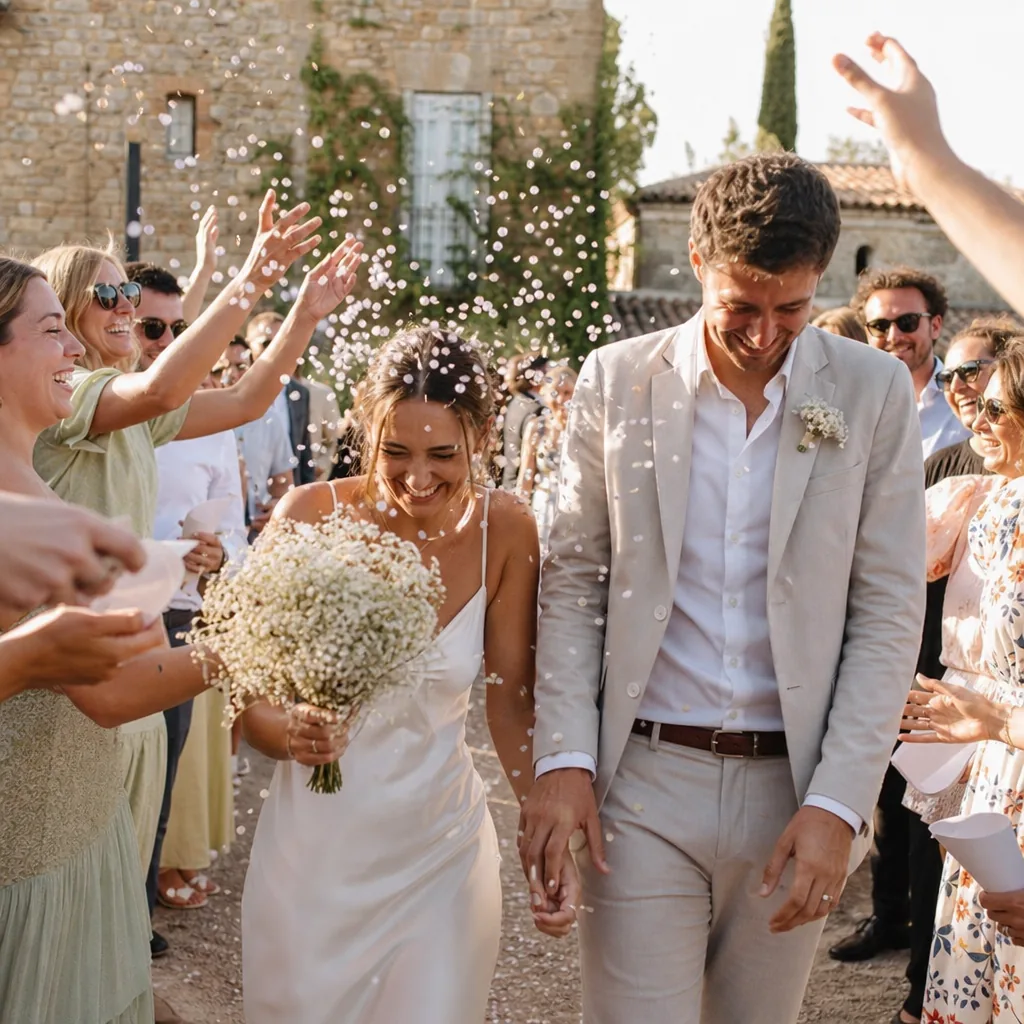
Disposable cameras on wedding tables catch a different day from the official photos: the speeches from the back, the aunties dancing, the shoes off at midnight. DisCam gives you that roll on your own phone, whether you're a guest or one of the couple.
Two free rolls · No account · No ads


One thing to know first
DisCam is a camera for one person, not a shared guest album. Each guest shoots on their own phone, the photos stay on that phone, and they reach the couple when the guest shares them, by message, AirDrop or however they like.
Shoot the day as a roll
Load a 24 or 36-shot roll in the morning and name it after the wedding. A fixed number of shots makes you pick the moments that matter, instead of filming the first dance from the same spot for four minutes.
Choose Disposable mode and nothing shows until you develop the roll. Develop it on the train home or the next morning, and relive the day in one go.
The right film for each part of the day
Every shot on a roll uses its film, and you can change single prints later with Keep originals on. A few suggestions:
- Golden or Warm 35 for an outdoor ceremony and the late-afternoon drinks.
- Flash ’99 with the flash on for the evening and the dance floor.
- Noir or Mono 400 for the speeches and the quiet moments.
Warm 35
Golden
Noir
Fade
The date on every print
The seven-segment date stamp puts the wedding date in the corner of every photo, with the time if you want it. Years later, you'll know exactly when the shoes came off.
One stack for the couple
Put the day's prints into one stack. Share up to 12 of them as a single collage, or pick several prints and share them together. Write a line on the bottom of a full-frame print before you send it.
A few tips for guests
- Ask the couple first whether they'd like phones away during the ceremony, and respect it.
- Use the front camera for selfies with people you haven't seen in years. Those are often the photos couples love most.
- Turn the flash on once the lights go down. Disposable wedding photos are meant to look like that.
- DisCam works without signal, which helps at country venues.
Questions
- Can guests upload their photos to one shared album?
- No. DisCam has no accounts or shared albums, so photos stay on each guest's phone until they share them. Guests can send prints by message, email or AirDrop.
- How do I send the couple my photos?
- Share prints from your wedding stack, or share up to 12 of them as one collage. You can keep the frame and date or share the photos alone.
- Does it work at a venue with no signal?
- Yes. DisCam works completely offline.
- How many photos can I take?
- With DisCam Pro, load as many rolls of 12, 24 or 36 shots as you like. The free rolls have 5 shots each.
Get DisCam
Bring a roll to the wedding.
Start with two free rolls of 5 shots each, one instant and one disposable. DisCam Pro unlocks unlimited rolls, stacks and photos. No account and no ads.