The date stamp, like an old camera.
The glowing digits in the corner of a 90s print are the quickest way to make a photo look like it came from a disposable. DisCam stamps every shot with them, and you decide how they look.
Two free rolls · No account · No ads
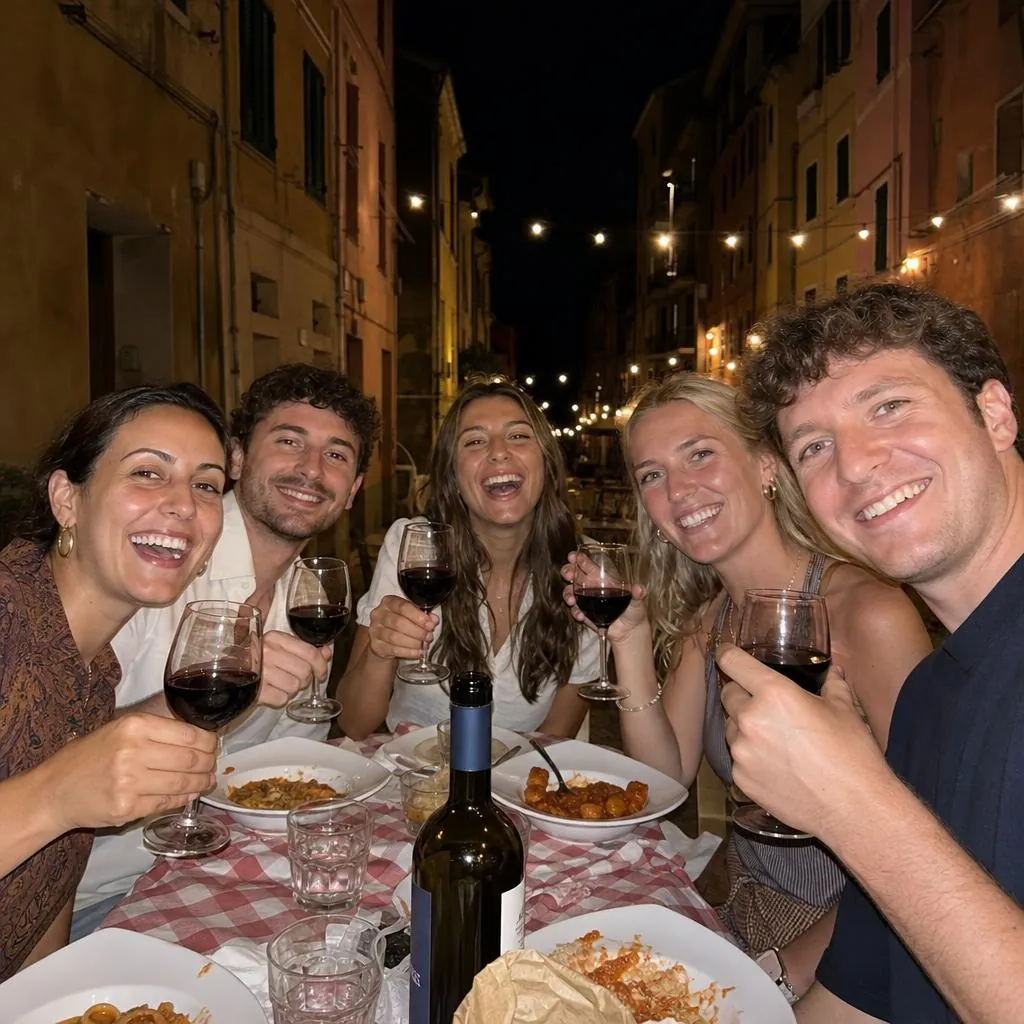


Every option you'd want
The stamp has the same settings in the app as in the demo on our home page:
- Colour: orange, white, green or black.
- Style: Classic, with slim digital-clock segments, or Solid, with thicker joined ones.
- Slant: standard or italic.
- Format: DD.MM.YY, MM.DD.YY, YY.MM.DD or ’YY M D.
- Corner: top left, top right, bottom left or bottom right.
- Time: add it if you like.
Soft, like it was printed onto the film
Old cameras printed the date with tiny lights onto the film itself, so the digits glow a little and sit inside the photo rather than on top of it. DisCam's stamp is drawn the same way: small, soft and slightly lit.


On or off, every time you share
The date is saved with the photo, not burnt into it. Save or share any print with the date or without it, and change the date stamp later.
Questions
- Can I remove the date from a photo?
- Yes. Choose to save or share without the date. The photo itself isn't changed.
- Can the stamp show the time?
- Yes. Turn on Include time and the time sits next to the date.
- Which date formats are there?
- Four: DD.MM.YY, MM.DD.YY, YY.MM.DD and ’YY M D.
- Is there a classic orange option?
- Yes. Orange is the colour new rolls start with, as on most old disposables.
Get DisCam
Put the date back on your photos.
Start with two free rolls of 5 shots each, one instant and one disposable. DisCam Pro unlocks unlimited rolls, stacks and photos. No account and no ads.