More than a filter. A whole roll.
A filter usually lays a tint over a finished photo. DisCam develops each shot with a film recipe that sets its own colour, contrast, grain, vignette and glow, so prints come out looking like they came back from the lab.
Two free rolls · No account · No ads
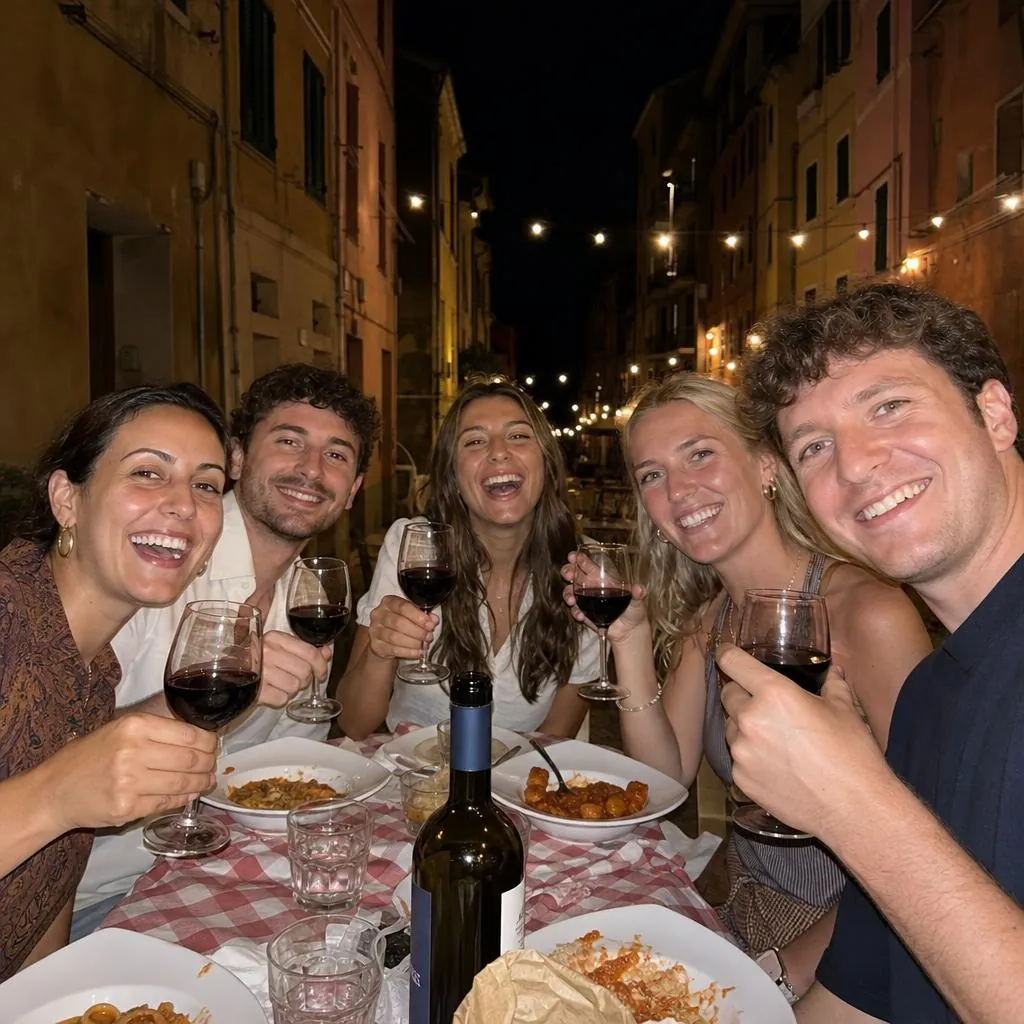
Original
Warm 35
Flash ’99
Fade
What makes a photo look disposable
Prints from a cheap plastic camera have a handful of things in common, and DisCam handles each of them:
- Colour that leans warm, with blacks that aren't quite black. Warm 35, the default film, is built around this.
- Grain you can see, especially in shadows. Every film has its own grain, and a slider turns it up or down.
- Darker corners and a softer edge, from a simple plastic lens. Each film sets its own vignette and softness.
- A red-orange glow around bright lights, called halation, which film picks up and phone sensors don't.
- Hard on-camera flash at night. Turn on the flash, or use Flash ’99 for punchy party-photo contrast.
- Light leaks and the date in the corner, both optional.
Ten films, not one preset
Different moments suit different films, so DisCam has ten. Each one is a full recipe, not a colour wash:
- Original: true to life, with a little grain.
- Warm 35: golden hour, all day.
- Soft: hazy light and gentle colour.
- Noir: deep blacks, bright whites.
- Fade: like a print left in the sun.
- Golden: honey tones and golden-hour warmth.
- Chrome: vivid colour and crisp slide-film contrast.
- Mono 400: textured, grainy black and white.
- Dusk: cool blue shadows and rosy highlights.
- Flash ’99: punchy colour and nostalgic party-photo contrast.

Golden
Chrome
Dusk
Mono 400
Shoot through it, or use it later
The viewfinder previews the film's grain, vignette and light leak while you frame, so you shoot knowing roughly how the print will look. The full film is applied as the print develops.
With DisCam Pro you can also import photos from your library and develop them on film, keeping the original if you want it. With Keep originals turned on in Settings, you can change the film, frame or date of a photo afterwards.
Questions
- Can I put the disposable filter on photos I've already taken?
- Yes. With DisCam Pro, import photos from your library and develop them on any film. DisCam only sees the photos you pick.
- Can I turn the grain or the effect down?
- Yes. Every film has an Intensity slider and a Grain slider, and the light leak is a separate switch.
- Can I change the filter after taking the photo?
- Yes, when Keep originals is on in Settings. DisCam keeps the untouched photo so you can change its film later.
- Is the date stamp part of the filter?
- It's separate. You choose its colour, style, format and corner, and you can save or share any print with or without it.
Get DisCam
Try the disposable look on your own photos.
Start with two free rolls of 5 shots each, one instant and one disposable. DisCam Pro unlocks unlimited rolls, stacks and photos. No account and no ads.