How to add a white border to photos
A white border turns a photo into something that looks like a print. It gives the picture room to breathe, stops it running into the edge of the screen, and makes a set of photos look like they belong together. Here are the main kinds of border, and how to add each one.
By the DisCam team ·



Why borders work
On a phone, photos usually run edge to edge, right into the screen. A border separates the picture from everything around it, the way a mount does in a frame. It also hides small differences between photos: a set with the same border looks like one series, even when the photos vary.
The instant-print border
The best-known border is the instant print: thin at the top and sides, with a wide strip at the bottom. It instantly says "print", and the bottom strip leaves room for writing.
This is DisCam's Full frame style. A full-frame print can carry up to two lines of writing in the bottom margin, in five fonts and any colour.
The even border
An even border, the same width all the way round, is quieter and more like a gallery print. It suits landscapes, architecture and photos where the wide bottom strip would feel like too much.
In DisCam this is the Cropped frame style, which trims the instant print's wide bottom to match the sides.
Borders that fit Instagram
Instagram's feed takes photos from wide 1.91:1 up to 3:4 portrait, and its grid shows 3:4 tiles. To make every post the same height, many people put each photo on a white 4:5 or 3:4 canvas with space around it. Landscape photos then fill more of the screen, and the border keeps the whole picture visible.
If you use instant-print frames, note that a framed portrait print is taller than 3:4, so Instagram will crop it. Square prints with a frame and Cropped prints fit as they are.
White, cream or black?
White is crisp and modern. Cream is warmer and looks older, like a print that's spent years in an album, and it suits warm films such as Warm 35 or Golden. Black is dramatic: it makes colours glow and suits black and white photos and night shots.


How to add one
There are a few ways to do it:
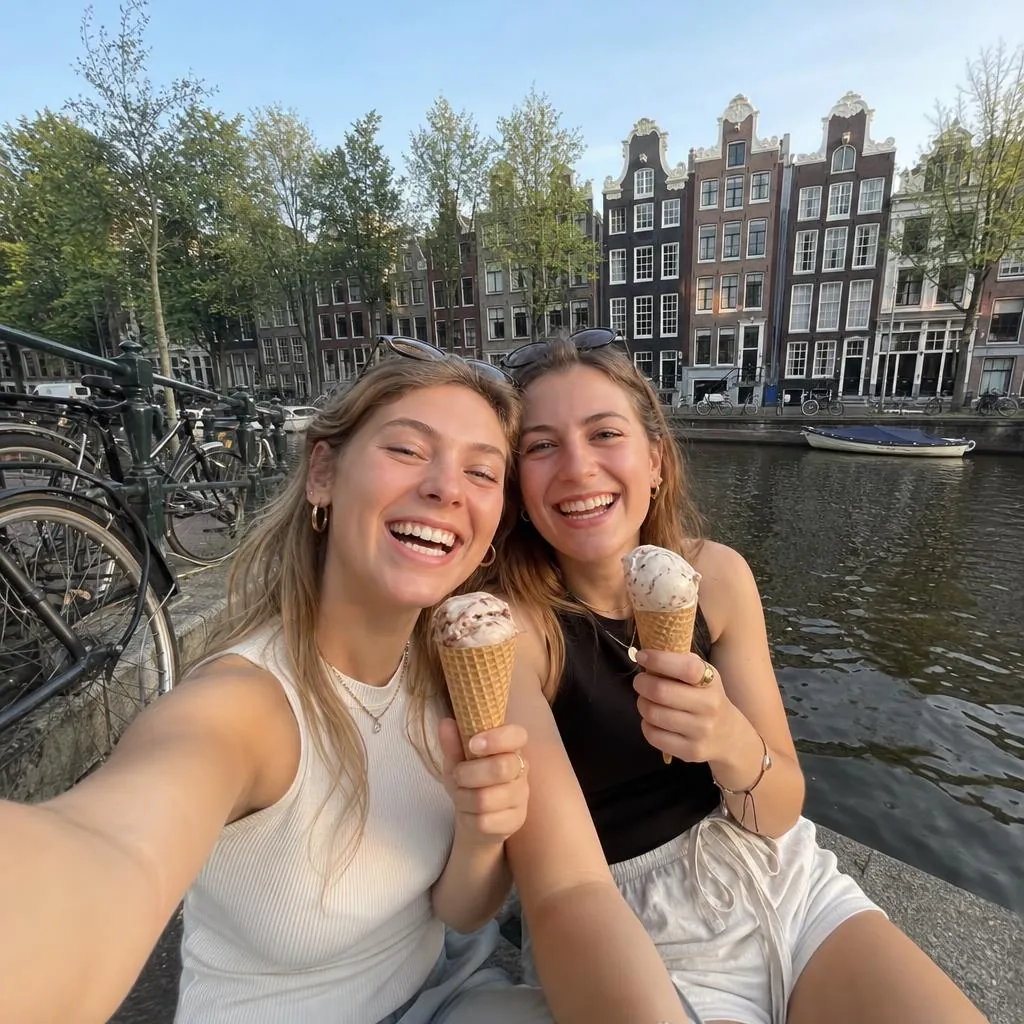
- In DisCam, every print can have a white, cream or black frame. Set a frame style for all your photos or change it for a single print, and choose whether to save or share with the full frame, the even border, or the photo alone.
- For photos you've already taken, DisCam Pro can import them from your library and develop them with a frame.
- The free online film filter adds a frame and a film look to any photo in your browser, without uploading it.