How to sequence a photo carousel
The same ten photos can feel completely different depending on their order. Picture editors call it sequencing: deciding what comes first, what sits next to what, and where the set ends. Here's a simple way to do it for a carousel or photo dump.
By the DisCam team ·


Start with your strongest photo
The first photo is the only one most people see in their feed, and it decides whether they swipe. Pick one that reads clearly at a small size: a face, a bold shape, a strong colour. Keep the subtle ones for later.
Then set the scene
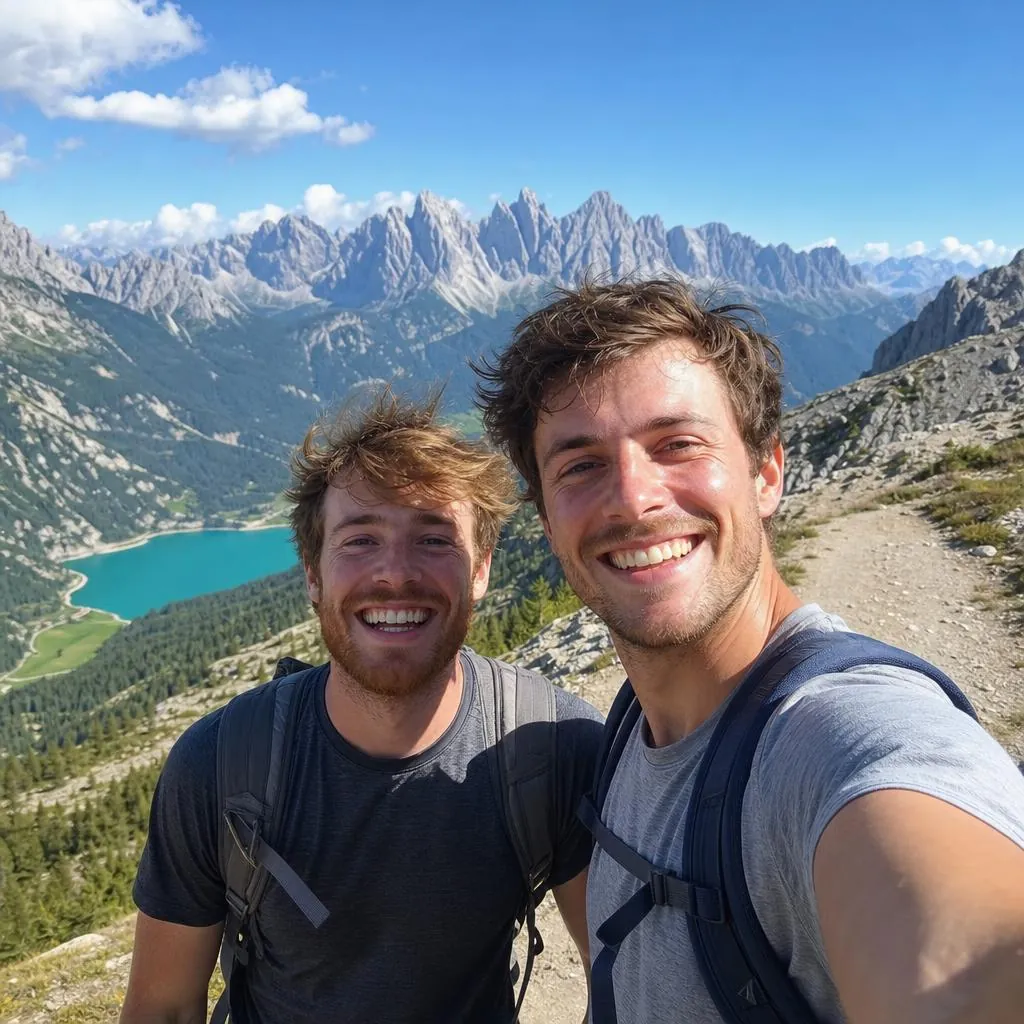
Once someone swipes, tell them where they are. A wide photo of the place, the view or the room gives the rest of the set its context.
Alternate near and far
A run of wide shots gets dull, and a run of close-ups gets claustrophobic. Alternate wide scenes, people and details so each swipe feels like a new look at the same day.
Pair photos that talk to each other
Look for photos that echo or answer each other: two red things, two round shapes, someone looking out of frame and then what they were looking at. Pairs like these make a sequence feel designed, even when every photo was a snapshot.
Cut the near-duplicates
Two similar photos side by side weaken each other. Choose the better one, or, if you really need both, put several photos between them.
Mind the colour
Jumping between a cold blue photo and a warm orange one can jar. Shooting a whole set on one film helps a lot. Otherwise, group photos by colour and let the set drift from one to the next, such as from bright midday blues to evening golds.

Original
Warm 35
Dusk
Fade
End on a quiet note
The last photo is what people remember. A quiet one works well: the walk home, an empty table, the last light. So does a funny outtake, as long as it fits the mood.
A quick checklist
Before you post, check that:
- The first photo works at thumbnail size.
- The second sets the scene.
- No two neighbouring photos are near-duplicates.
- The colour flows rather than jumps.
- The last photo feels like an ending.
- You've used as many photos as the story needs, not as many as Instagram allows (up to 20).
From a roll to a carousel
A DisCam roll is already a sequence: one film, in the order you took the photos. Save or share a roll or stack as separate photos, ready to order in a carousel, or put up to 12 in a single collage.