How to get a film aesthetic on Instagram
Film-look feeds have one thing in common: they look as if they were shot by the same person on the same few rolls. That has less to do with any one filter than with a handful of consistent choices. Here's how to make them.
By the DisCam team ·

Warm 35
Soft
Fade
Chrome
Pick one or two films and stick to them
The quickest way to a film-look feed is to stop changing the look. Choose one film for most of your posts, perhaps a second for black and white, and use them for months. Consistent colour is what makes a grid feel like a body of work.
Choose a film that suits the light you usually shoot in. Warm 35 is easy to live with, Fade gives everything a sun-bleached calm, and Chrome suits bright, colourful places.
Shoot in light that suits film
No film look can fix flat, overhead light. Shoot in the soft, low light of early morning and evening, in open shade, by a window, or with the flash on at night. Our guide to golden hour has more on finding the best light.
Keep grain and glow subtle
Instagram compresses photos when you upload them, and heavy grain can turn into blotches. Go a little lighter on grain than you would for a print, and check how the photo looks at the size people will actually see it.
Use the right shape
Instagram's profile grid now shows posts as tall 3:4 rectangles, and the feed accepts photos from wide 1.91:1 up to 3:4 portrait. A 3:4 portrait photo fills the most screen in the feed and isn't cropped in the grid.
DisCam's Portrait 3:4 format matches that shape exactly. Framed portrait prints are taller than 3:4, so for Instagram use a square print with a frame, or the Cropped frame style, which trims the wide bottom margin to an even border.
Frames and dates, sparingly
A white frame on every post makes a grid look like a wall of prints, which can be lovely. A date stamp works best on some photos, not all: on holiday and party photos it feels right, on every post it becomes wallpaper.


Post sets, not singles
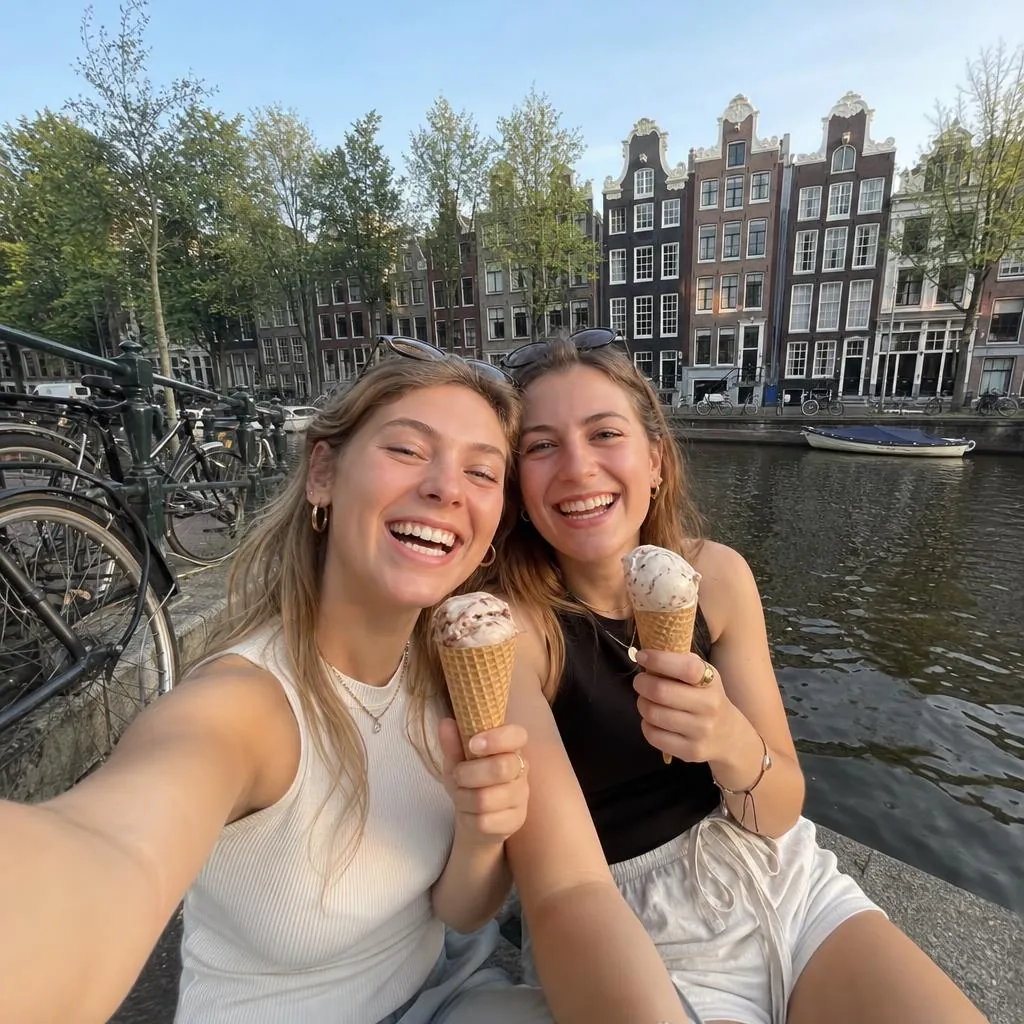
Film photographers think in rolls. Posting a carousel of eight photos from one day, all on the same film, looks far more like film than one heavily edited photo. See our photo dump ideas for what to shoot.
What to avoid
- Orange skin. If faces look sunburnt, lower the Intensity or pick a gentler film.
- Fake dust and scratches on every photo. Real film rarely looks that damaged.
- Jet-black shadows everywhere. Most film keeps a little softness in the blacks.
- A different look on every post. It undoes everything above.
Doing it with DisCam
DisCam builds the habits in: each roll has one film, every film has Intensity and Grain sliders, and prints can have a white, cream or black frame and a date stamp. Shoot a roll, develop it, and post it as a set.
To try the looks on photos you've already taken, use the free online film filter. It runs in your browser and never uploads your photo.