The 90s filter, the way it really looked.
90s photos weren't made with a filter. They came from cheap cameras: a flash that lit up the front of the room, warm film, grain and the date glowing in the corner. DisCam recreates those things as each print develops, not as a tint laid on top.
Two free rolls · No account · No ads



What made photos look 90s
A handful of things, all down to the cameras of the time:
- Hard on-camera flash: bright faces and a dark room behind them.
- Warm colour that leans orange and yellow, with blacks that aren't quite black.
- Grain you can see, from fast film.
- Soft, darker corners from simple plastic lenses.
- The orange date glowing in the corner, from compact cameras that printed it onto the film.
The films to use
Each of DisCam's films recreates those qualities in its own way. For the 90s look:
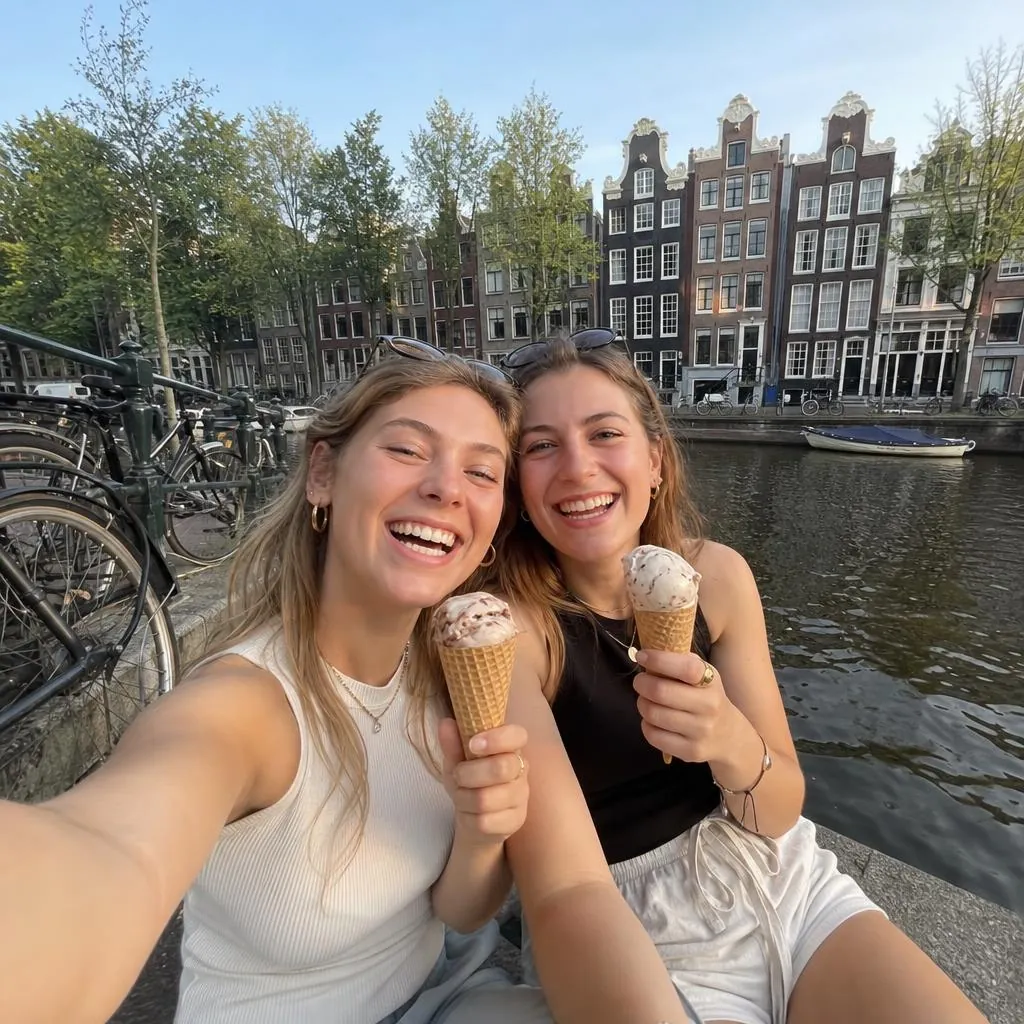
- Flash ’99 for parties and nights out: punchy colour and party-photo contrast. Turn the flash on.
- Warm 35 for holidays and everyday snaps.
- Fade, like a print left in the sun, for the old-album feel.
- Mono 400 for grainy black and white.
Flash ’99
Warm 35
Fade
Mono 400
Flash, and the date in the corner
Set the flash to on or auto and Flash ’99 does the rest: bright faces and a darker room behind. Then add the date stamp in classic orange, with slim Classic or thicker Solid digits, upright or italic, in any corner.
Save or share each print with the date or without it, whichever suits the photo.

Try it on a photo you already have
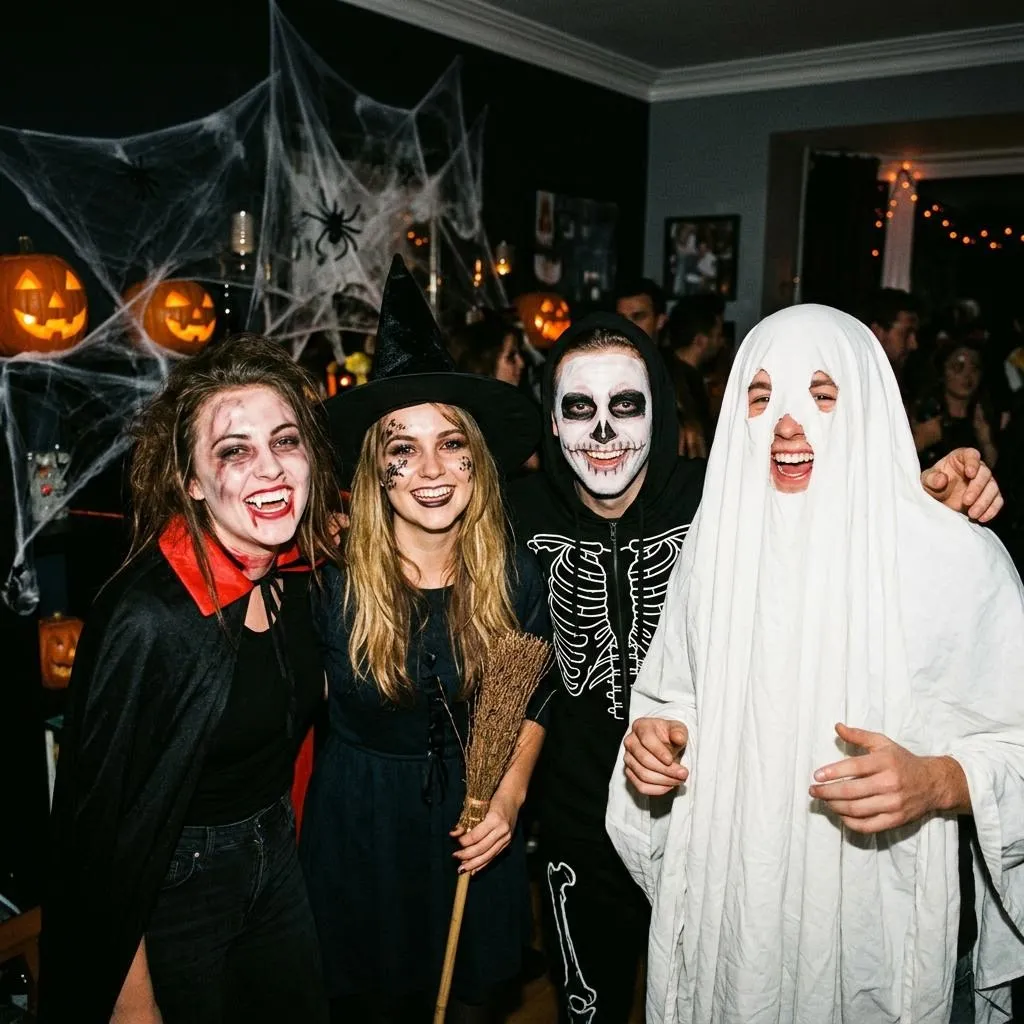
The free online film filter puts the same films, frames and date stamp on a photo in your browser, and the photo is never uploaded. In the app, DisCam Pro imports photos from your library and develops them on any film.
Or shoot a whole roll the 90s way
The look is only half of it. In DisCam you load a roll, wind the wheel before every shot and don't see a single photo until you develop it, the way a 90s disposable worked.
Questions
- How do I make my photos look 90s?
- Use a warm, grainy film, turn the flash on for indoor and night shots, and add an orange date stamp. In DisCam, that's Flash ’99 or Warm 35 with the date stamp on.
- Is there a free 90s filter?
- Yes. Our online film filter is free, runs in your browser and has all 20 films, the frames and the date stamp. DisCam itself starts you with two free rolls.
- What's the difference between a 90s filter and a Y2K filter?
- They overlap, and both lean on hard flash. The 90s look tends to be warmer and grainier, with the date stamp, while Y2K photos are usually brighter and punchier, closer to early digital cameras.
- Can I add the date to photos I've already taken?
- Yes. The online film filter reads the date a photo was taken from its details, or lets you choose one. In the app, imported photos are stamped with the day they were taken, when the photo records it.
- Is it free?
- Start with two free rolls of 5 shots each, one instant and one disposable. DisCam Pro unlocks unlimited rolls, stacks and photos. No account and no ads.
Get DisCam
Shoot like it's 1999.
Start with two free rolls of 5 shots each, one instant and one disposable. DisCam Pro unlocks unlimited rolls, stacks and photos. No account and no ads.